Industrial Lighting Guide

How Do You Install a Sensor Light in an Industrial Space?

Check the fixture rating and detection zone, install to the model instructions, then set and test the controls on site.

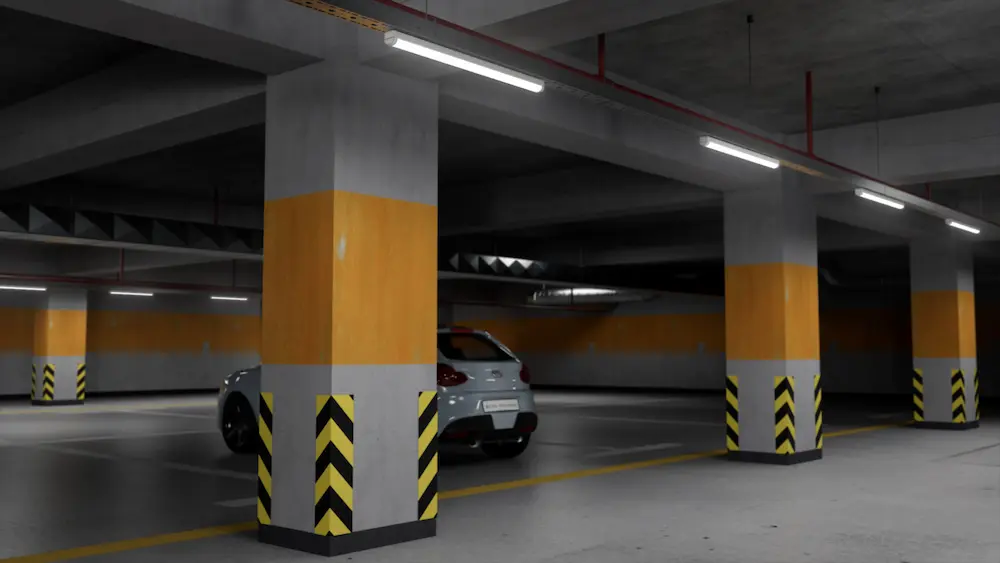
garage light with a motion sensor
Parking garages combine vehicle movement, circulation routes and long operating hours.

How Should You Plan an Industrial Sensor Light Installation?

Start with the exact fixture and sensor datasheets, place the detector around real movement paths, have a qualified installer complete the electrical work, then commission it with a walk test.

A sensor light is a luminaire plus a control system. Good installation therefore depends on both light distribution and detection coverage. A light can be mounted securely yet perform poorly if racks block a PIR view, microwave sensitivity reaches adjacent traffic, or the daylight threshold is set incorrectly.

ShineLong's Parkade microwave sensor tri-proof light illustrates the need to specify the control version before installation: its published options include on/off and stepped dimming behavior.

Choose the Exact Model

Check mounting height, supply, driver and sensor mode.

Map Movement

Mark entrances, aisles, workstations and adjacent traffic.

Set Light Levels

Define occupied output and any permitted standby level.

Test on Site

Walk the full zone and record the final settings.

Why Does Sensor Light Installation Matter in Industrial Areas?

Correct placement and commissioning determine whether the light responds when people or vehicles enter, remains comfortable while they work, and reduces output only when the space is genuinely unoccupied. The aim is reliable visibility and less unnecessary operating time; energy savings vary with the existing schedule, occupancy and settings.

Energy Control

Motion and daylight settings can reduce lighting time or output in intermittently used zones. Compare metered use before and after commissioning to quantify savings.

Useful Visibility

Detection should bring the right luminaires to the required task or circulation light level before a person or vehicle reaches a dark area.

Maintenance Access

Recorded settings, accessible fixtures and compatible replacement components make later troubleshooting easier across large sites.

Sensor lighting should not be treated as a substitute for emergency lighting, hazard alarms or any minimum light level required by the project design and applicable rules.

How do you install and commission a sensor light?

Use the product's installation drawing and local electrical requirements for the actual connection. The practical sequence is to plan coverage, isolate power, mount and connect the fixture, configure the controls, and test both occupied and unoccupied operation.

01

Mark the coverage area

Map entrances, aisles, work positions and nearby movement that should not trigger the light.

02

Make the circuit safe

A qualified installer isolates the supply and verifies it is de-energized before work begins.

03

Mount and connect

Use the specified brackets, fixings, seals and wiring diagram. Confirm earth, load and control connections for the exact model.

04

Set the controls

Set detection sensitivity, hold time, standby level or duration, and daylight threshold where those functions exist.

05

Walk-test and record

Test entry, exit, low movement, daylight conditions and adjacent zones; record the final settings for maintenance.

Electrical terminals, wire colors and permissible loads vary by market and product. Use the supplied manual and a qualified professional for wiring; this overview is a commissioning checklist, not a wiring diagram.

Which Sensor Technology Fits the Site?

Microwave motion, passive infrared (PIR) and daylight sensing solve different control problems. Choose by detection behavior and environment rather than assuming one technology is best for every industrial space.

Microwave motion sensing responds to changes in reflected radio waves. It can detect motion through some non-metal materials, which can help within a suitable fixture enclosure but may also trigger from activity beyond the intended area. Metal, vibration and nearby moving equipment can affect the result.

PIR sensing responds to changes in thermal radiation within its field of view. It does not detect through shelving or walls, so the approach path and likely body movement need a clear view.

Daylight sensing reads ambient illumination. It is commonly combined with motion sensing to avoid unnecessary electric light when daylight is sufficient; its measurement position and threshold must be checked on site.
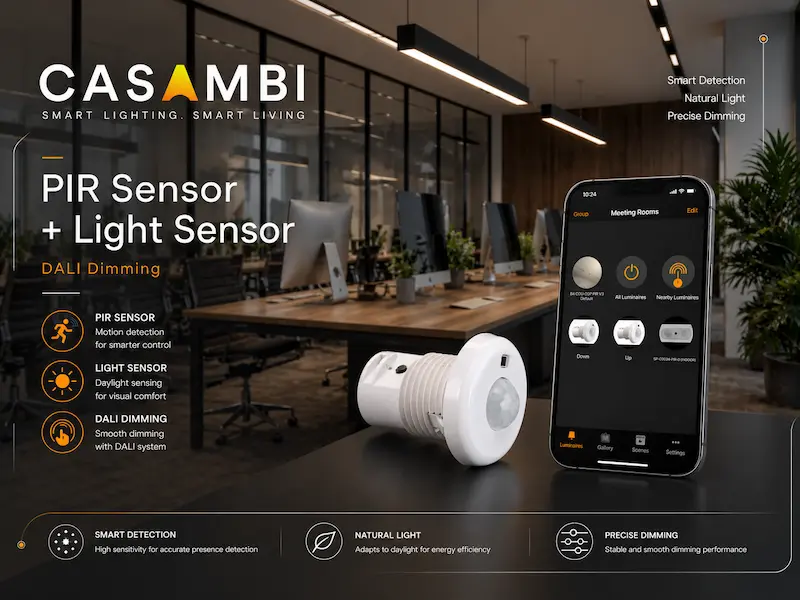
linear luminaires shown in a suspended mounting arrangement
The light fixture arrangement; the selected sensor and driver configuration must be confirmed separately.

Microwave

Consider for covered industrial areas where the specified coverage and enclosure are suitable; test for spillover detection.

PIR

Consider for defined indoor routes with a clear view of people; check obstructions and heat sources.

Daylight

Add where natural light varies; coordinate the threshold with motion and dimming settings.

ShineLong's Alpha motion sensor light is another published microwave option. Its available modes and driver interface should be checked for the chosen article number.

Where Should an Industrial Sensor Light Be Mounted?

Mount it where its rated detection area covers the approach and working zone, without routinely sensing movement outside that zone. There is no universal installation height: height and coverage depend on the exact sensor, lens or antenna, mounting angle and site layout.

For PIR Sensors

Keep the intended movement within the sensor's field of view. Racks, walls and equipment can block detection; nearby heat sources or air movement can also affect some installations.

For Microwave Sensors

Assess metal housings and reflective surfaces, vibrating machinery, fans and motion beyond thin partitions. Reduce sensitivity or reposition the sensor if adjacent areas trigger the light.

For Daylight Sensing

Place and calibrate the sensor so it measures representative ambient light rather than light cast directly from the controlled fixture.

For Wet or Dusty Sites

Choose a complete fixture and connection method rated for the actual location. Maintain all seals, cable entries and mounting components as specified.

Model-specific example: ShineLong's published Parkade sensor page lists a maximum mounting height of 6 m for its illustrated sensor versions. For a higher installation, select a sensor explicitly rated for that height. Check the current datasheet for the exact article number before specifying height.

What Are the Installation and Commissioning Steps?

Use the product's installation drawing and local electrical requirements for the actual connection. The practical sequence is to plan coverage, isolate power, mount and connect the fixture, configure the controls, and test both occupied and unoccupied operation.

01

Mark the Coverage Area

Map entrances, aisles, work positions and nearby movement that should not trigger the light.

02

Make the Circuit Safe

A qualified installer isolates the supply and verifies it is de-energized before work begins.

03

Mount and Connect

Use the specified brackets, fixings, seals and wiring diagram. Confirm earth, load and control connections for the exact model.

04

Set the Controls

Set detection sensitivity, hold time, standby level or duration, and daylight threshold where those functions exist.

05

Walk-Test and Record

Test entry, exit, low movement, daylight conditions and adjacent zones; record the final settings for maintenance.

Electrical terminals, wire colors and permissible loads vary by market and product. Use the supplied manual and a qualified professional for wiring; this overview is a commissioning checklist, not a wiring diagram.

Which Control Mode Fits the Space?

Choose the light's unoccupied behavior from the site's movement pattern and required minimum light level. The three diagrams show control logic, while the selected product manual determines the actual settings.

On/Off

Off → full output → off
Illustration of motion activating a light in a dark room

After the hold time and no further detection, the light turns off. Use only where full switch-off is permitted.

Three-Step Dimming

Full output → standby → off
Illustration of a light dimming to standby after its hold time

Requires the correct sensor and compatible dimmable driver; confirm the control interface.

Two-Step Dimming

Standby ↔ full output
Illustration of a corridor light remaining at a low standby level

Consider when the project requires continuous background illumination.

For ShineLong's published Parkade and Alpha sensor options, available behavior depends on the version. Configure hold time, standby duration or level, and daylight threshold from the selected model's instructions.

How Do Sensor Lights Fit Different Industrial Spaces?

Use the site layout to select detection zones and control behavior. The same sensor setting rarely fits a warehouse aisle, a continuously occupied workstation and a parking circulation route.

Warehouse Aisles

Check mounting height against the exact sensor rating, then test entry from both ends of each aisle. Racking can hide motion from PIR sensors; nearby aisles can create microwave spillover.

Workshops and Production

People may remain at one station with limited movement. Choose hold time and detection coverage that maintain the required task illumination rather than dimming while work continues.

Parking and Corridors

Separate vehicle or pedestrian approach zones from adjacent traffic. Where the project requires background visibility, evaluate a standby dimming mode instead of complete switch-off.

What Should Buyers Confirm Before Ordering Sensor Lights?

Give the supplier enough information to match the fixture, sensor and driver to the installation. Ask for the exact article-number datasheet and installation drawing before finalizing a large-area layout.

Site and Mounting

Send ceiling height, mounting method, aisle or room dimensions, obstructions and environmental conditions.

Electrical and Controls

Confirm local supply, dimming interface, sensor type, fixture quantity per circuit and any control integration.

Lighting Performance

Specify occupied light level, standby requirement, daylight availability and any safety or emergency-lighting constraints.

Commissioning Evidence

Request the detection chart, setting guide and a plan to test representative positions before broad rollout.

For a compact indoor or sheltered project, compare ShineLong's EcoMini II sensor option with Parkade or Alpha using the actual installation conditions. As a commercial and industrial LED lighting manufacturer, ShineLong can review sensor, driver, mounting and OEM/ODM requirements together for a project order. A product-family name alone does not confirm control compatibility.

What Should You Check After Installation?

Most commissioning problems are linked to placement, settings or compatibility. Check the symptom at the installed location before changing several parameters at once.

SymptomFirst checksPractical response
Light stays on or triggers unexpectedlyAdjacent traffic, moving fans or machinery, reflective metal, vibration, sensitivity settingNarrow the detection zone, reduce sensitivity or relocate the sensor; retest.
Light does not respond to peopleSupply, control mode, daylight threshold, sensor coverage, obstructionsVerify power safely, use test mode if available and repeat the walk test.
Light switches off while occupiedLow movement, blocked PIR view, hold time, sensor spacingAdjust the zone or delay and confirm the required task light level.
Dimming does not work as expectedDriver interface, control wiring, selected mode and standby settingsMatch the sensor to the driver and follow the model-specific connection diagram.

For indoor or sheltered projects, ShineLong's EcoMini II tri-proof series also lists a sensor option. Compare the exact control behavior and site conditions before selecting a fixture.

Frequently Asked Questions

A Reliable Installation Starts With the Exact Configuration

ShineLong recommends treating sensor selection, fixture mounting, electrical compatibility and commissioning as one design task. Match the model to the height and environment, choose a control mode that preserves required visibility, and verify the result with a site walk test.

Keep the final settings and model documents with the project record so the lighting can be maintained and adjusted as the space changes.

Need to check a sensor lighting layout?

Share the site type, mounting height, fixture quantity, supply voltage, preferred control mode and required light levels. ShineLong can help you identify a suitable product configuration and the documents needed for project review.

Request Technical Documents

Latest Articles

Loading latest articles...

Leave a Comment

Your email address will not be published. Required fields are marked *

This site uses Akismet to reduce spam. Learn how your comment data is processed.

Scroll to Top

Request Technical Support

Get professional advice on product selection, installation, and lighting requirements from our technical team.

Your information is secure and will never be shared with third parties.

Request Technical Documents

Get datasheets, certifications, test reports, and technical files directly from ShineLong.

Your information is secure and will never be shared with third parties.

Start Your Inquiry

Tell us what you need, and our team will reply within 24 hours.

Download Resources

We will send the resources to your mailbox once you have finished the email form. No Spam.

Start Your Project Solutions

Tell us about your project requirements, and our lighting engineers will prepare a suitable lighting solution within 24 hours.

Your information is secure and will never be shared with third parties.

Request a Quote

Get competitive pricing and professional support for your LED lighting requirements.

Your information is secure and will never be shared with third parties.

Get Full Product Catalog

Please enter your professional business email address to instantly unlock the catalog file download. No Spam.